
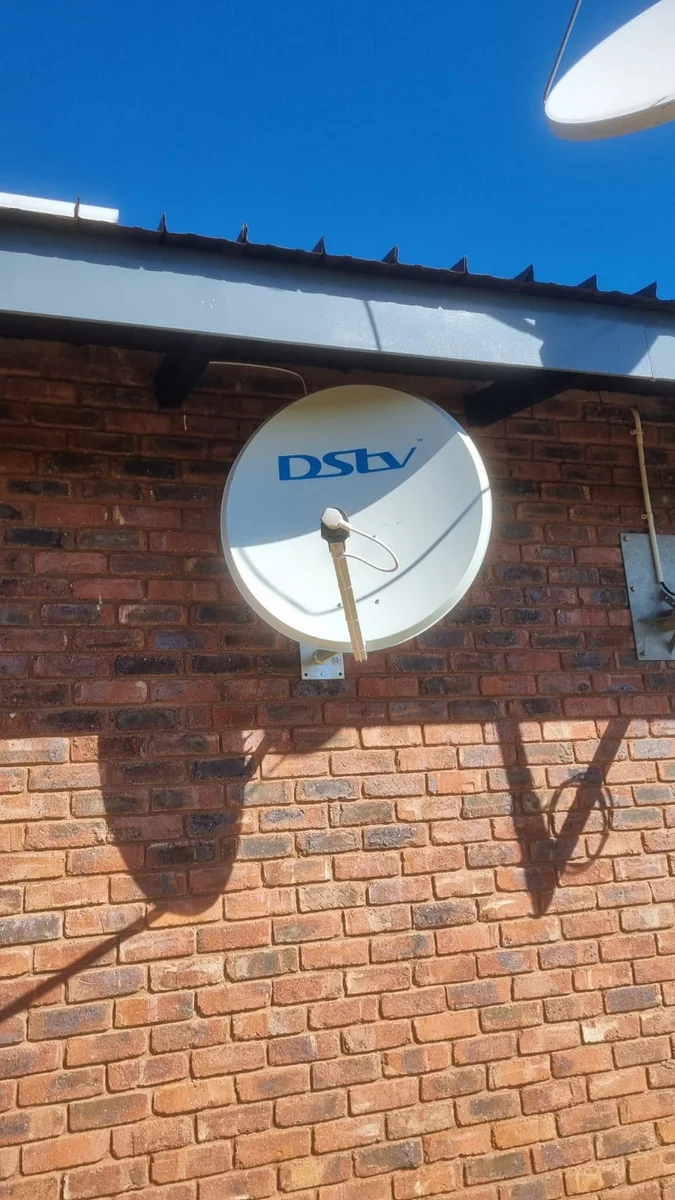
DStv Signal Problems in Hoedspruit
No signal, error codes or a frozen picture? Try the quick checks below, and if they don't help, we'll find the fault at the dish, the cable or the decoder.
The Faults We See Most
No Signal (E48 / E48-32)
E48 means the decoder isn't getting an adequate satellite signal; E48-32 is the weather-related version, during heavy rain or storms. If it stays after the weather clears, a shifted dish, a failing LNB or damaged cable are the usual causes.
Account & Smartcard Errors
Codes like E16 normally point to the subscription or smartcard rather than your dish — worth checking with MultiChoice first.
Freezing & Pixelation
A picture that breaks into blocks usually means the signal is only just good enough. Worn connectors and tired LNBs are common culprits.
Decoder Problems
No lights, stuck on start-up or restarting on its own. Power, connections and the decoder itself all need checking.
Checks to Try Before You Call
A few minutes here can save a call-out. Never climb onto a roof to check a dish yourself.
"No signal" during a thunderstorm
Heavy rain can block the satellite signal for a while. Wait for the storm to pass; if the picture doesn't return once the sky clears, something else is wrong.
"No signal" on a clear day
Check the cable is firmly screwed into the back of the decoder, then switch the decoder off at the wall for at least 10 seconds and back on. Look outside for a dish that has visibly moved or a cable that has been pulled.
E16 or another account message
Check your account at dstv.com or call MultiChoice on 011 289 2222. These are usually subscription or smartcard issues rather than dish faults.
Picture freezes in the evenings or in heat
Often a sign of a weakening LNB or a corroded connector. Note when it happens — it helps us diagnose it quickly.
Remote not responding
Replace the batteries and point it directly at the decoder. If it still won't work, check the remote setup steps in your decoder guide or on dstv.com.
Decoder won't switch on after a storm
Try a different wall socket and check the power supply. If there are still no lights, the decoder or its power supply may have been damaged — unplug it and call us.
How We Track Down a DStv Fault
An error message tells you that something is wrong, not what. The same "no signal" screen can come from a dish knocked a few degrees off target, an LNB that is failing, a connector full of water, or a cable a monkey has bitten through. Replacing parts one by one until the picture returns is slow and expensive, so our Hoedspruit DStv technicians work through the system in order.
We start at the dish with a signal meter, which shows both strength and quality far more precisely than the decoder's on-screen bars. If the reading is good at the dish but poor at the TV, the fault is in between — the cable, a joint or a splitter. If it is poor at the dish, the alignment, the LNB or something blocking the line of sight, such as a tree that has grown over the summer, is to blame.
Storm season adds its own pattern. Brief dropouts during heavy rain are normal and clear up on their own. A decoder that is dead after a storm is a different story: lightning can travel along the power supply or the dish cable, so we check the decoder, the LNB and the TV connection. Unplugging the decoder when a storm is close is the simplest protection.
Some messages are nothing to do with the installation. E16 and similar account messages are handled by MultiChoice, and we will say so rather than charge for a visit you don't need. Once a fault is fixed, it is often worth a full dish and cable service so the next weak point doesn't fail a month later. And if you want a second TV on the same account while we're there, ask about adding Extra View.
Still No Picture?
Send us a photo of the error and your dish, or give us a call — we'll help you work out the next step.